 By
- 1 How to Claim Your Business on ChatGPT
- 2 What does OpenAI Business Hub (ChatGPT) Do?
- 3 Why is OpenAI / ChatGPT Doing This?
- 4 Will Business Hub Show Me Prompts and Volume?
- 5 How can I submit products or update my business information in Business Hub?
- 6 What is the “business agent” they talk about?
- 7 PRIVACY ALERT: Biometric Information
OpenAI / ChatGPT has launched their anticipated “Business Hub” system and now local businesses, ecommerce merchants, publishers, and virtually every type of website out there can claim their business or website on ChatGPT. Here’s how to do it.
Update: Our claim was approved within 30 minutes (using DNS verification). Here is what it looks like inside:
Here’s what ChatGPT Business Hub looks like inside: https://t.co/dX7Eh9Fo1z
— Joe Youngblood – SEO, Futurology, AI, Marketing (@YoungbloodJoe) November 10, 2026
Clients of ours: More to come on this as we star to explore how to optimize using this.
How to Claim Your Business on ChatGPT
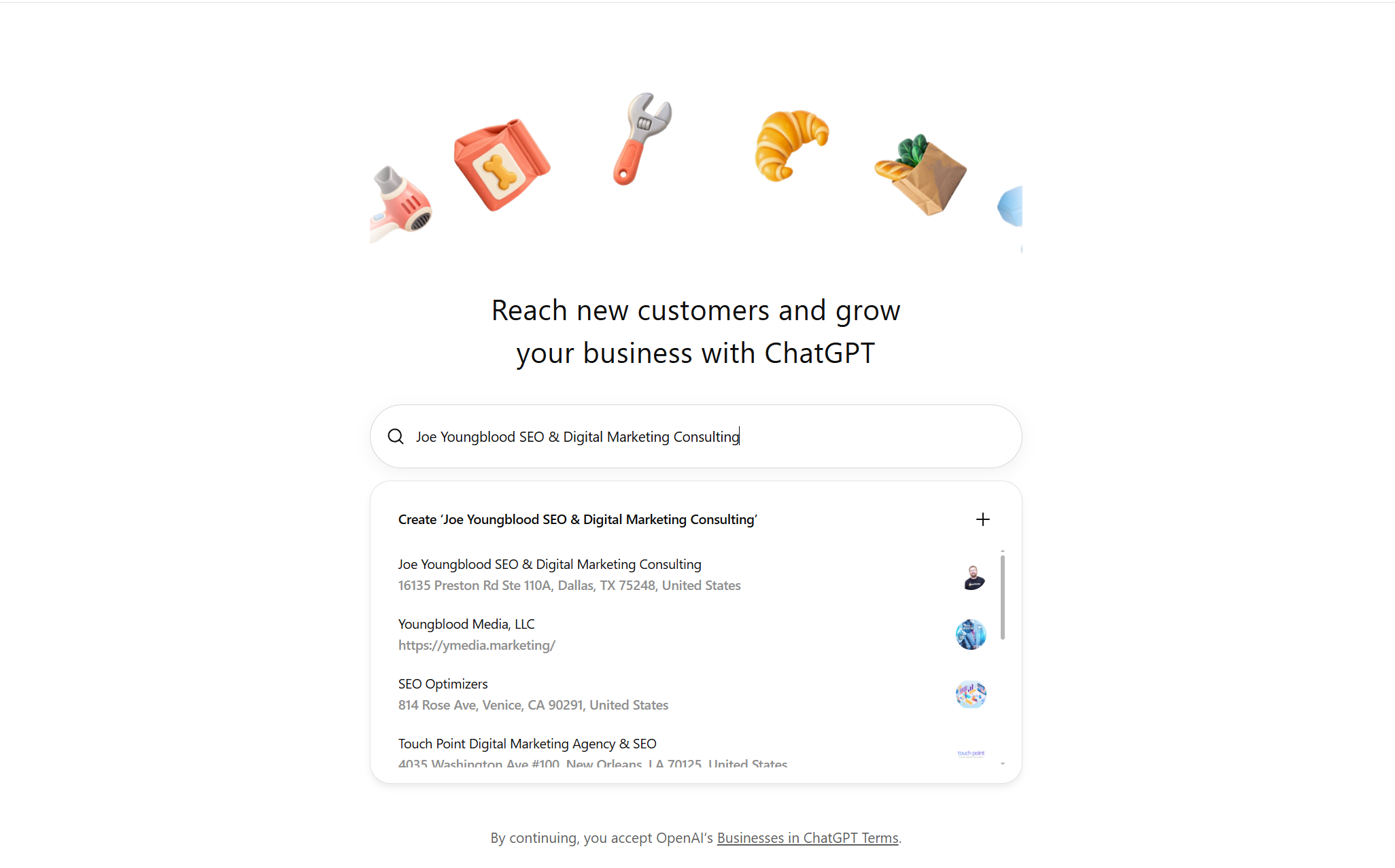
1. Go to the ChatGPT Business Hub: https://chatgpt.com/business-hub
Note: If you have more than one OpenAI account you may want to use the one most associated with your business / the business you are claiming.
If you’re a local business or SaaS etc… DO NOT ALLOW YOUR SEO AGENCY TO CLAIM THIS. Most likely Business Hub will be very similar to Google Search Console in terms of importance in the near future and if an SEO agency or other agency / consultant has ownership of it they could use it against you.
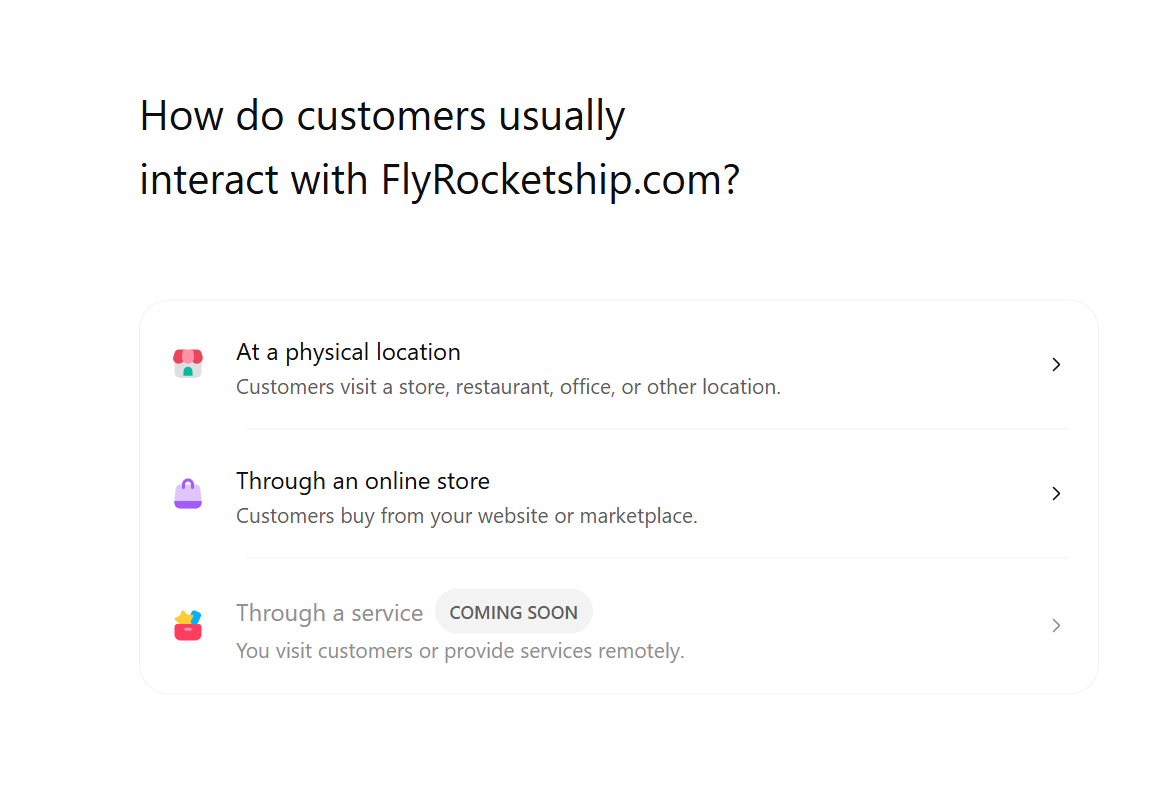
If your business location and/or website does not appear in the dropdown selector, you can “Create” a business entity to claim. This appears to work similar to claiming though I wouldn’t be surprised if it was slower since ChatGPT didn’t have the entity recognized already.
2. Type in the name of your business OR the domain in the search box and select the correct listing.
If you’re a local business I would select the local business information that matches your Google Business Profile / actual location data.
If you’re a publisher, ecommerce website, SaaS, social media company, etc… I would select the website domain.
There’s no evidence that this matters, but it very well could since OpenAI has separate listings for the Website and Physical Address.
Note: After you claim the first listing you claim a second one and more too. There may be a limit, but we are not sure how many claims an account can have.
3. Click Continue and select how you want to verify you claim either via Phone or DNS.
If you’re a physical location I would resist the urge to use the phone code system if possible and use DNS instead.
If you’re not sure how to update your DNS and/or are worried about messing things up then use the phone code option.
Websites without a physical location still get a phone code option, but I would be worried about this and instead would use the DNS option.
4. Either get the code on your phone and input it OR add the TXT record OpenAI gives you to your DNS.
If the DNS option make sure you’re editing your actual DNS host and set the TTL as low as possible.
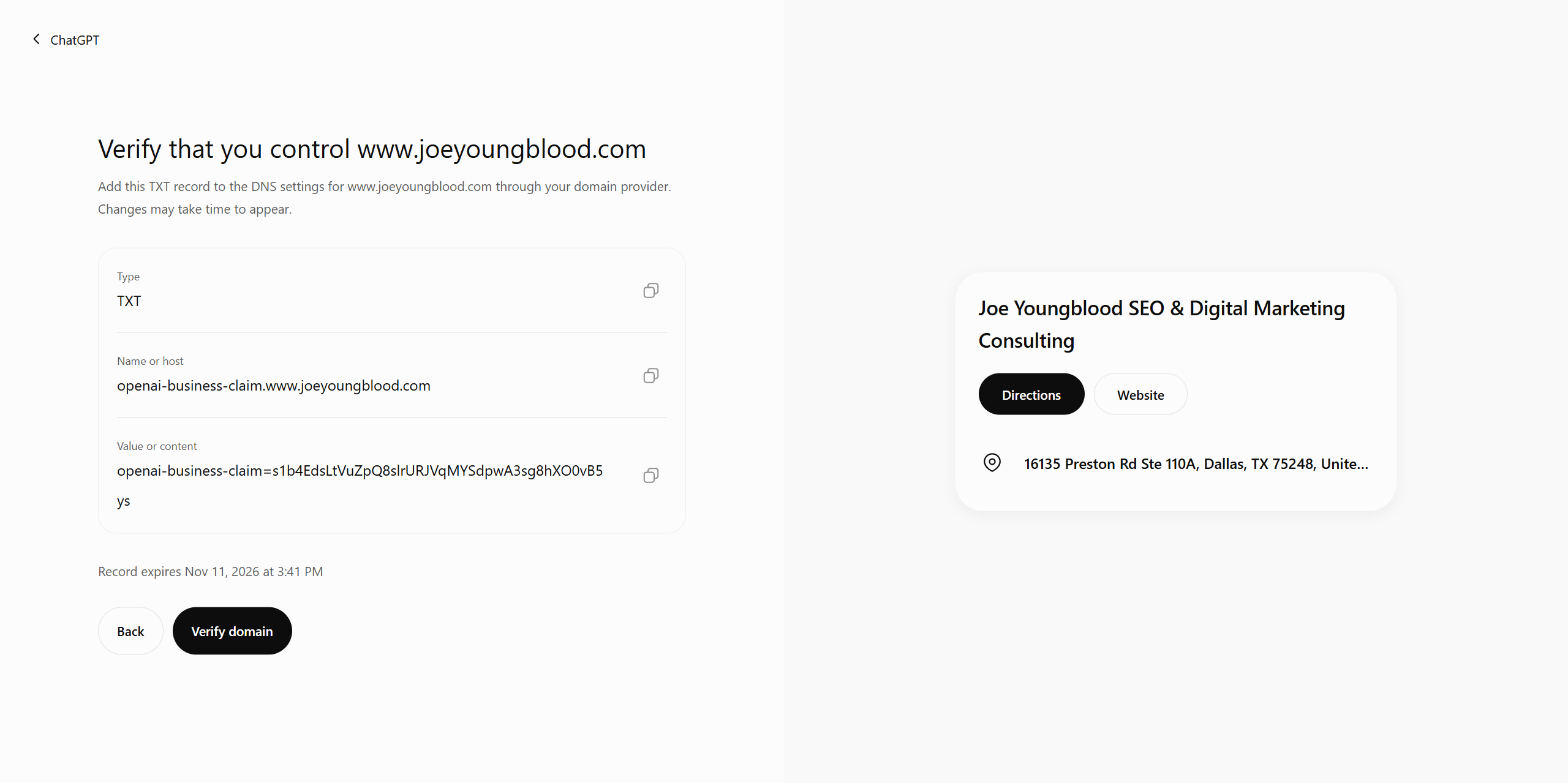
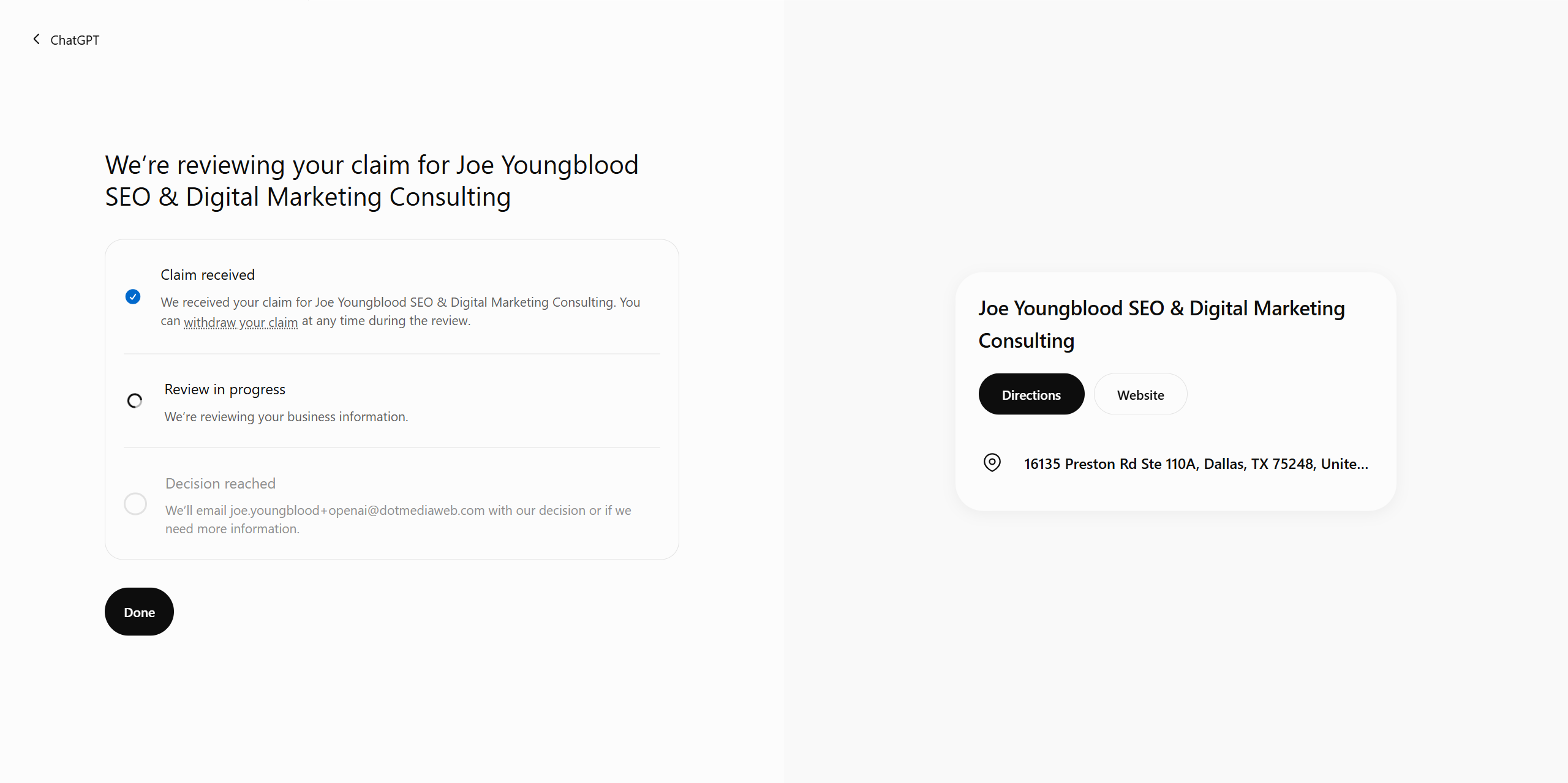
5. Click the “Verify” button and wait until OpenAI tells you that your review is in progress.
6. Congrats! You are now on your way to obtaining more insights and control over how your business appears on ChatGPT.
What does OpenAI Business Hub (ChatGPT) Do?
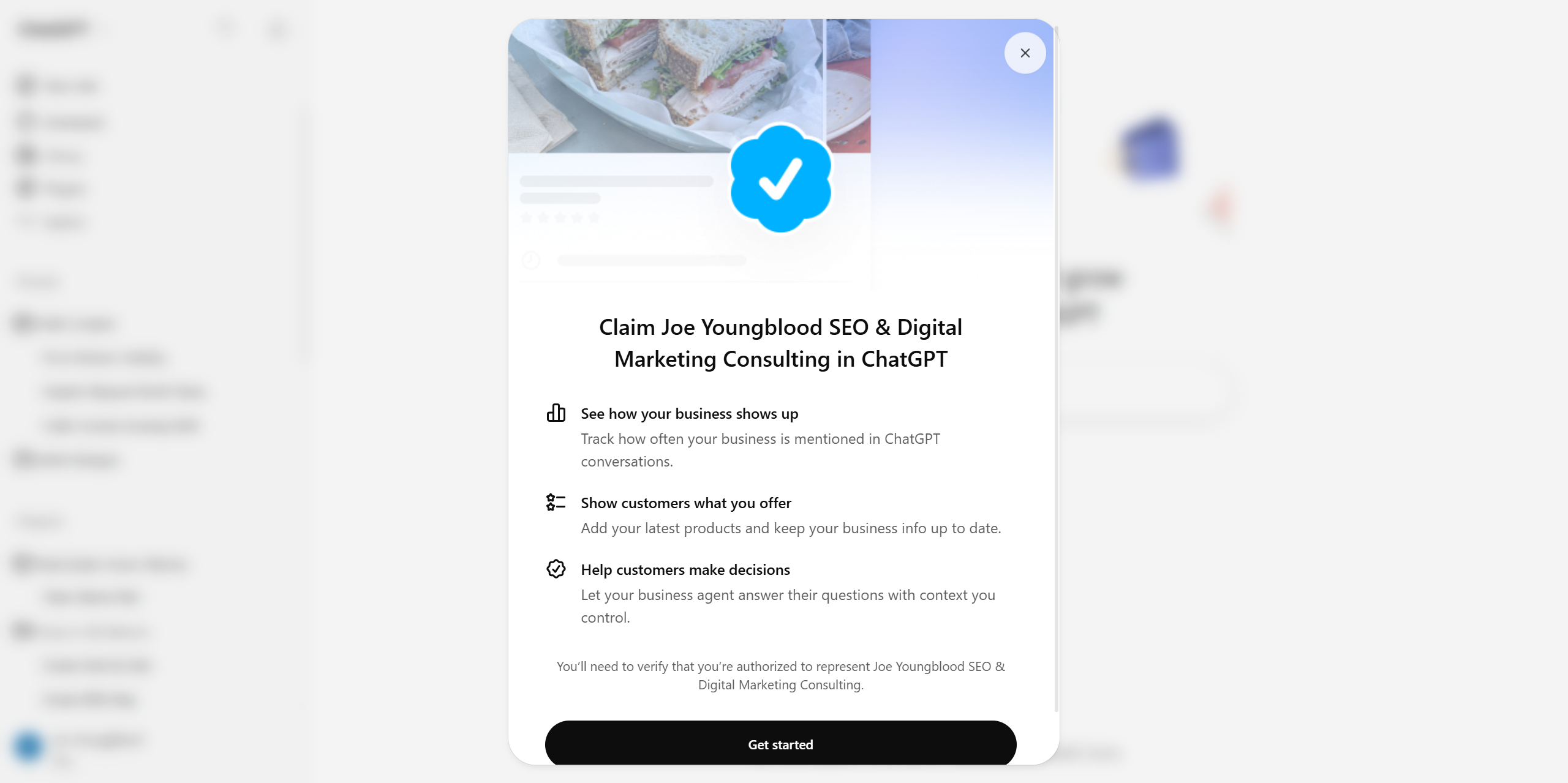
In their own words here is what you’ll be able to do with Business Hub:
- See how your business shows up – Track how often your business is mentioned in ChatGPT conversations.
- Show customers what you offer – Add your latest products and keep your business info up to date.
- Help customers make decisions – Let your business agent answer their questions with context you control.
Beyond those brief descriptions, we are not quite sure.
Why is OpenAI / ChatGPT Doing This?
1. As the internet struggles with the immense impacts of scraping data including the heavy costs it can incur the website being scraped AND the loss of unique functionality or data for users, OpenAI needs a way to ensure businesses can directly inject content into their system.
2. As a startup fighting bigger companies like Microsoft and Google, it is only a matter of time before they start losing the interest of website owners, business users, etc… By launching Business Hub OpenAI ensures they have something on par with or possibly (hopefully) better than what Google offers.
3. As we discovered after verifying, OpenAI is using this to upsell businesses to “ChatGPT Business”.
Will Business Hub Show Me Prompts and Volume?
I am skeptical this will ever happen, though wish it would. The only reason Google frankly gives us any kind of keyword data any more is in the hopes of new advertisers running ads on keywords. But those numbers are highly suspect. Most likely this will only allow businesses to see impression volume, which is still at least better than the complete nothing we have so far.
How can I submit products or update my business information in Business Hub?
The system is brand new, just launched today, and is listed as being in beta. When we get access we’ll do our best to figure out the best ways to use these tools and optimize for ChatGPT via this new system, but as of right now it is unknown.
What we do know is that OpenAI/ChatGPT requires identity verification before you can submit products. Possibly for KYC, that is unknown though.
What is the “business agent” they talk about?
Best guess is a way to connect information about your business like pricing, inventory, faqs, important page URLs, etc… into .md file or something that ChatGPT will pull from when discussing or asked about your business specifically. We built something similar years ago on MindRoomAI and it worked pretty good back then, I assume it will be much better now.
PRIVACY ALERT: Biometric Information
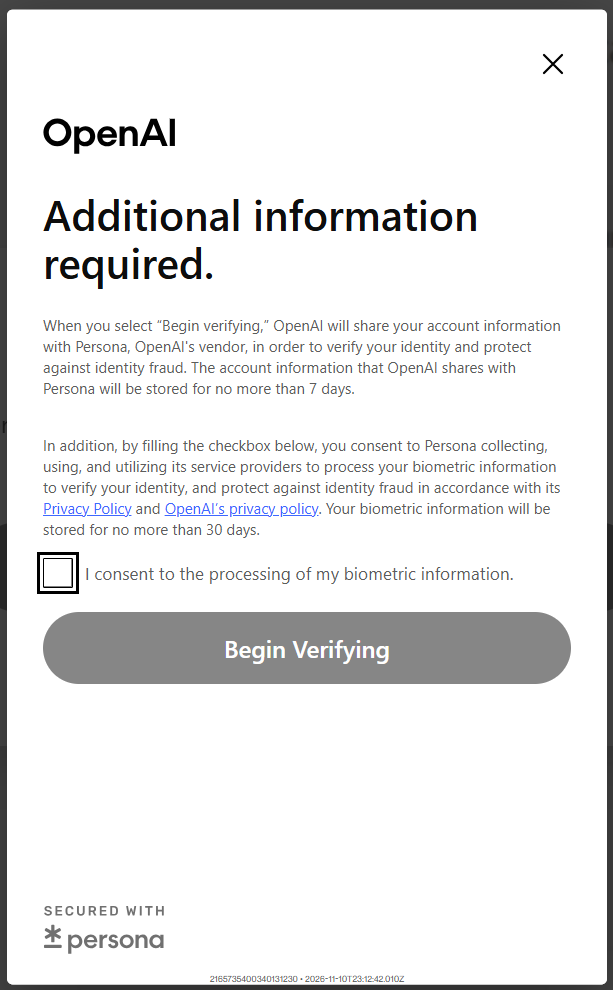
OpenAI won’t allow you to edit the business you’ve claimed until you complete a biometric check. This check is done by a third party, Persona, who also may use subcontractors (usually industry speak for offshore vendors where labor is really cheap).
OpenAI promises private data will only be kept for 30 days, but it would be nearly impossible to guarantee that for Persona, their contractor companies, and every person that works at those companies.
This information isn’t really need for editing basic business information and represents a massive breach of private personal information. Decide on your own if you want to give that information to every contractor involved in the supply chain.